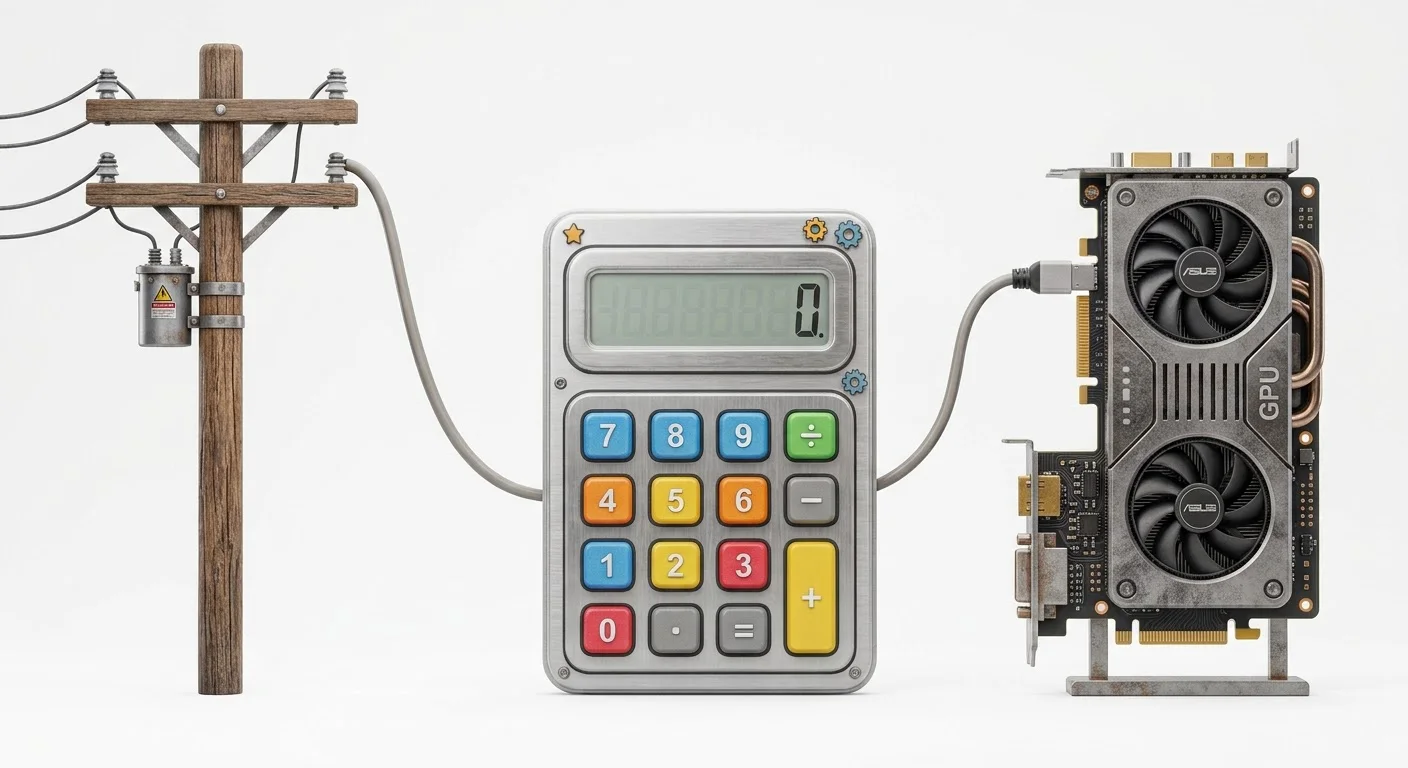
If there is one hidden variable that quietly destroys amateur mining and hosting operations, it’s local power pricing.
When global crypto mining crashed, thousands of hobbyists rushed to transition their idle gaming rigs into decentralized AI compute nodes. Many failed within months — not because rental demand was missing, but because they ignored their local kWh tariff ceiling.
This guide breaks down the exact mathematical formulas to calculate your power break-even point, how grid pricing shifts your net margins, and why a cheap GPU in a high-power-cost region can easily turn into a financial trap.
(If you are still deciding which card to buy, read our guide on whether the RTX 4090 is still profitable in 2026 before you spend a dollar on hardware).
💡 Quick Answer: If your electricity rate exceeds ~$0.28/kWh, hosting high-draw consumer GPUs like the RTX 4090 or 5090 often stops making financial sense under standard 60% utilization. Always calculate your power ceiling before committing hardware.
1. The Core Problem: Power vs. Compute Revenue
When you host a GPU on platforms like Vast.ai or Clore.ai, your revenue is variable, but your electrical burn rate is constant.
- Active Load: Under heavy inference or model fine-tuning workloads, cards pull close to their Thermal Design Power (TDP). An RTX 4090 pulls roughly 450W; newer enthusiast silicon pulls even higher.
- Idle State: Even when no renter is leasing your machine, it sits energized. An unrented 4090 draws approximately 15% of its TDP (~68W) 24 hours a day, waiting for container deployments. For a deeper analysis of how this standby draw destroys margins, read our Idle Power Factor Guide.
If your electricity tariff is too high, the hours your rig spends sitting idle will completely wipe out the profits earned during active rental sessions. Unlike a factory that can turn off machines when orders stop, a decentralized hosting node must stay online to maintain its reliability score and visibility on the marketplace.
👉 See how platform fees affect your net rate in our Vast.ai vs Clore.ai Fee Comparison.
2. The Break-Even Formula: Calculating Your Power Ceiling
To find your absolute maximum viable electricity rate (the point where net profit hits zero), equate your hourly net revenue to your hourly power consumption — including idle periods.
The Break-Even Equation
Max Viable Rate ($/kWh) = (Host Net Rate × 24 × Utilization) ÷ Total Daily Energy Consumption (kWh)
Worked Example for an RTX 4090
Inputs:
- Host Net Rate: $0.41/hr (from a $0.51 median renter price ÷ 1.25). See our RTX 4090 Hosting Profitability Guide for the full breakdown of these numbers.
- Target Utilization: 60% (14.4 active hours, 9.6 idle hours)
- Active Power: 0.45 kW × 14.4 hrs = 6.48 kWh
- Idle Power: (0.45 kW × 0.15) × 9.6 hrs = 0.648 kWh
- Total Daily Energy: 6.48 + 0.648 = 7.128 kWh
The calculation: Max Viable Tariff = ($0.41 × 24 × 0.60) ÷ 7.128 kWh = $5.90 ÷ 7.128 kWh ≈ $0.82/kWh
🤔 Wait — Does That Mean $0.82/kWh Works?
Mathematically, yes. Practically, no.
At $0.82/kWh, your entire revenue goes to the power utility, leaving $0 for:
- Hardware amortization
- Internet backhaul
- Component wear
- Your own time
A safe commercial margin requires your power cost to consume no more than 20–25% of your gross rental revenue.
👉 Test your local tariff against live metrics in our Hosting Calculator.
3. Electricity Tariff Scenarios (Global Comparison)
How do real-world power rates impact monthly net profit for a single RTX 4090 at 60% utilization?
| Region / Tariff Type | Rate ($/kWh) | Monthly Electricity Cost | Estimated Net Profit/Month |
|---|---|---|---|
| Industrial / Hydro Cheap (Scandinavia, Texas) | $0.06 | ~$21 | ~$165 ✅ |
| US National Average | $0.12 | ~$43 | ~$150 ✅ |
| High Tariff Residential (California, Europe) | $0.25 | ~$90 | ~$105 ⚠️ |
| Severe Tariff Ceiling | $0.40+ | ~$144 | ~$50 (Unviable) ❌ |
Key insight: Doubling your electricity rate from $0.12 to $0.25 cuts deep into your margins. If your local power exceeds $0.30/kWh, consumer GPU hosting becomes an uphill battle. You might want to look at budget cards like the RTX 3060 12GB instead, as they consume significantly less power.
👉 Compare hardware specs against market pricing in our Market Rates Table.
4. The PUE and Cooling Overhead Trap
If you scale beyond a single desktop rig into a small multi-GPU garage setup, you must account for cooling overhead. The physical space and power requirements are vastly different from enterprise AI servers.
In a residential room, pulling 1,500W to 3,000W of continuous heat from multiple GPUs requires active room ventilation or portable air conditioning.
This introduces a PUE (Power Usage Effectiveness) penalty. If your cooling fans and AC units add a 20% electrical overhead to your total circuit draw, your effective electricity rate multiplies by 1.2x.
Example: A $0.12/kWh base rate becomes effectively $0.144/kWh after cooling overhead.
Always factor auxiliary cooling into your long-term ROI projections. In summer months, a residential setup can easily hit a PUE of 1.3 to 1.5, drastically reducing your net profit. See our full formula on the Methodology Page.
5. How to Reduce Your GPU Hosting Power Draw
Practical steps to lower your effective $/kWh and extend your break-even threshold:
- Undervolt Your GPU: Reducing voltage by 10–15% typically yields <2% compute performance loss. Tools: MSI Afterburner, NVIDIA-smi, nvidia-settings.
- Apply Power Limits: Cap TDP at 80–85% of stock. Most inference workloads won’t notice the difference, but your power bill will.
- Manage Idle Power States: Don’t let cards drop below 30W idle — some mining BIOS setups actually increase idle draw. Use
nvidia-persistencedto manage state transitions. - Improve Cooling Efficiency: Use passive ventilation before AC. Target a delta-T < 15°C between intake and exhaust. Lower PUE = lower effective tariff.
- Schedule Around Peak Tariffs: If your utility offers time-of-use (TOU) rates, set GPU availability to match off-peak hours. (Note: The recent massive orders for RTX PRO 5500s in China will likely increase hardware acquisition costs, making it even more important to maximize your off-peak margins).
👉 Model your optimized setup in our Hosting Calculator.
6. Frequently Asked Questions
What is a good electricity rate for GPU hosting?
Anything below $0.12/kWh is considered healthy and competitive. Rates under $0.08/kWh unlock exceptional margins, while rates above $0.25/kWh severely restrict profitability for high-TDP cards.
Does idle power really affect my electricity bill?
Yes. A 4090 or 5090 left plugged in and powered on 24/7 draws continuous standby current. Over a 30-day cycle, unmanaged idle power can account for 15% of your total energy consumption. Read our Idle Power Factor Guide for more.
How do I reduce my hosting power draw?
Apply power-limit profiles and undervolt your GPUs. Restricting a card’s TDP by 10–15% usually results in less than 2% compute performance loss while saving substantial electrical overhead.
Where can I check if my hardware is worth hosting?
Input your exact hardware wattage and local power tariff into our Hosting Calculator to calculate real-time estimated break-even periods.
What is the break-even tariff for an RTX 4090?
The mathematical break-even is ~$0.82/kWh — but this leaves $0 for hardware, bandwidth, or maintenance. A practical safe ceiling is $0.20–0.25/kWh.
What is PUE and why does it matter for GPU hosting?
PUE (Power Usage Effectiveness) measures how much extra power your cooling infrastructure consumes. A PUE of 1.2 means every 1 kW of GPU power requires 1.2 kW total. Residential setups often hit PUE 1.3–1.5 during summer months.
How does the recent Chinese demand for AI chips affect my electricity costs?
While it doesn’t change your local utility rate, the massive orders for cards like the RTX PRO 5500 will likely drive up the cost of acquiring new hardware. This makes calculating your power break-even point even more critical before expanding your rig.
Is GPU hosting still profitable in high-electricity regions?
Generally no — unless you can:
- Secure industrial or TOU rates
- Deploy solar or battery storage
- Host low-TDP enterprise cards (e.g., L4, A4000) instead of consumer 4090s
7. Sources & Official Documentation
- U.S. Energy Information Administration (EIA) — national average tariff benchmarks (checked 2026-10-14)
- Vast.ai Hosting — operational guidelines (checked 2026-10-14)
- Clore.ai Host Fee Schedule — settlement rules (checked 2026-10-14)
- GPUEARN Methodology Page — full calculation methodology
- GPUEARN Market Rates Table — live median GPU pricing
- GPU Host Net Earnings Guide — net payout estimator
Written by Alex Rivers (Senior Hardware Infrastructure Analyst) and the GPUEARN Research Team. Always audit your local utility meter rates before deploying commercial compute hardware.
Last updated: October 22, 2026